Facebook post design
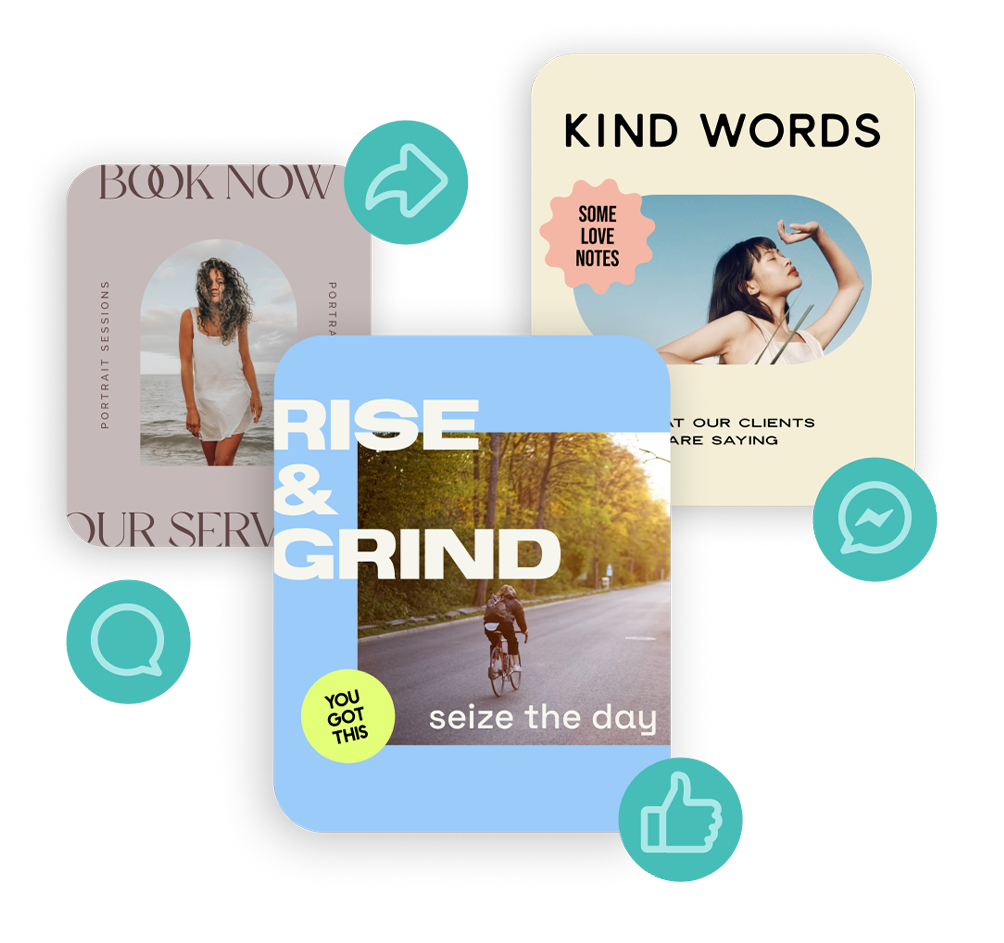
Create scroll-stopping Facebook posts, cover photos, and event graphics that get likes, shares, and comments. No design experience needed.
Facebook post design
Create scroll-stopping Facebook posts, cover photos, and event graphics that get likes, shares, and comments. No design experience needed.

How to design a Facebook post
-
Skip the sizing headaches. Fire up the free Word Swag app and choose from size presets for Facebook feed posts (square, portrait, landscape), cover photos, stories, and event graphics. Every format is pre-sized to Facebook’s specs, so your designs always look sharp.
-
Find the right image without leaving the app. Use a photo from your camera roll, snap a new one, or browse millions of free high-quality images from Pixabay and Unsplash right inside the free font design app. Whether you need a clean background for a quote post or a stylish image for a product promo, you’ll find it.
-
Never get stuck on what to say. Browse thousands of built-in captions and quotes, or let Genie generate a custom Facebook post idea based on your brand or topic. Just type a phrase and Genie does the rest.
-
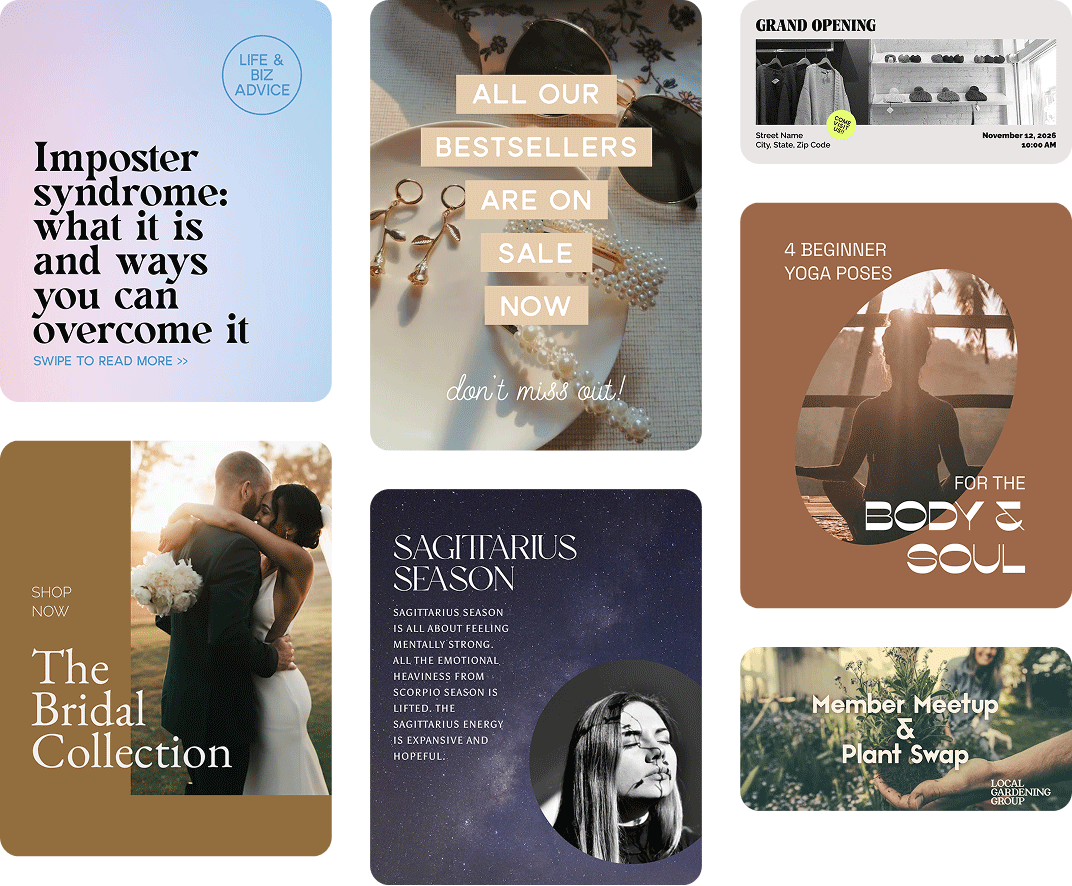
Get a fresh, professional layout in seconds. Tap through 100+ unique font styles and fresh aesthetic layout designs. Adjust colors, add gold foil or watercolor text effects, apply image filters, and drop in your logo. Hit the dice button until it looks exactly right.
-
Get a crisp post without the sizing work. Save your custom post design or share it directly to Facebook. Word Swag exports at the perfect dimensions for whatever format you chose, so your post looks sharp in the feed, in stories, or as a cover photo. Add your caption, tag your page, and post.
How to design a Facebook post
-
Skip the sizing headaches. Fire up the free Word Swag app and choose from size presets for Facebook feed posts (square, portrait, landscape), cover photos, stories, and event graphics. Every format is pre-sized to Facebook’s specs, so your designs always look sharp.
-
Find the right image without leaving the app. Use a photo from your camera roll, snap a new one, or browse millions of free high-quality images from Pixabay and Unsplash right inside the free font design app. Whether you need a clean background for a quote post or a stylish image for a product promo, you’ll find it.
-
Never get stuck on what to say. Browse thousands of built-in captions and quotes, or let Genie generate a custom Facebook post idea based on your brand or topic. Just type a phrase and Genie does the rest.
-
Get a fresh, professional layout in seconds. Tap through 100+ unique font styles and fresh aesthetic layout designs. Adjust colors, add gold foil or watercolor text effects, apply image filters, and drop in your logo. Hit the dice button until it looks exactly right.
-
Get a crisp post without the sizing work. Save your custom post design or share it directly to Facebook. Word Swag exports at the perfect dimensions for whatever format you chose, so your post looks sharp in the feed, in stories, or as a cover photo. Add your caption, tag your page, and post.
Font apps for all of your needs
Word Swag Pro
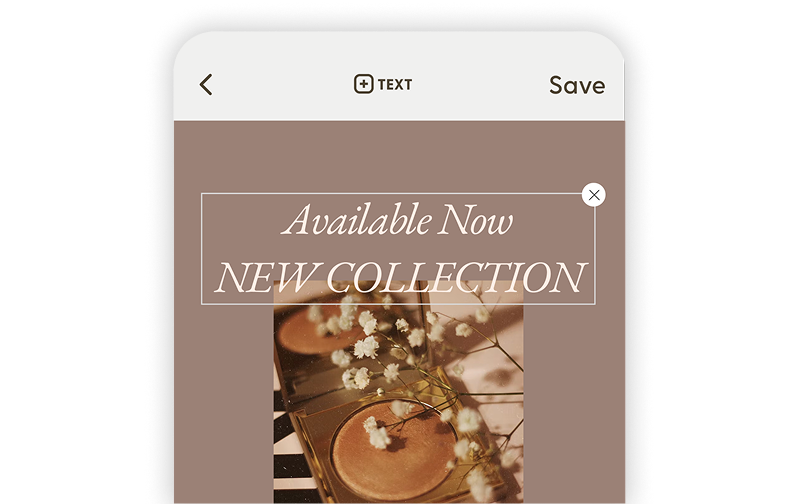
Create beautifully designed text posts, flyers, and social graphics with premium fonts and effects.
RealFonts
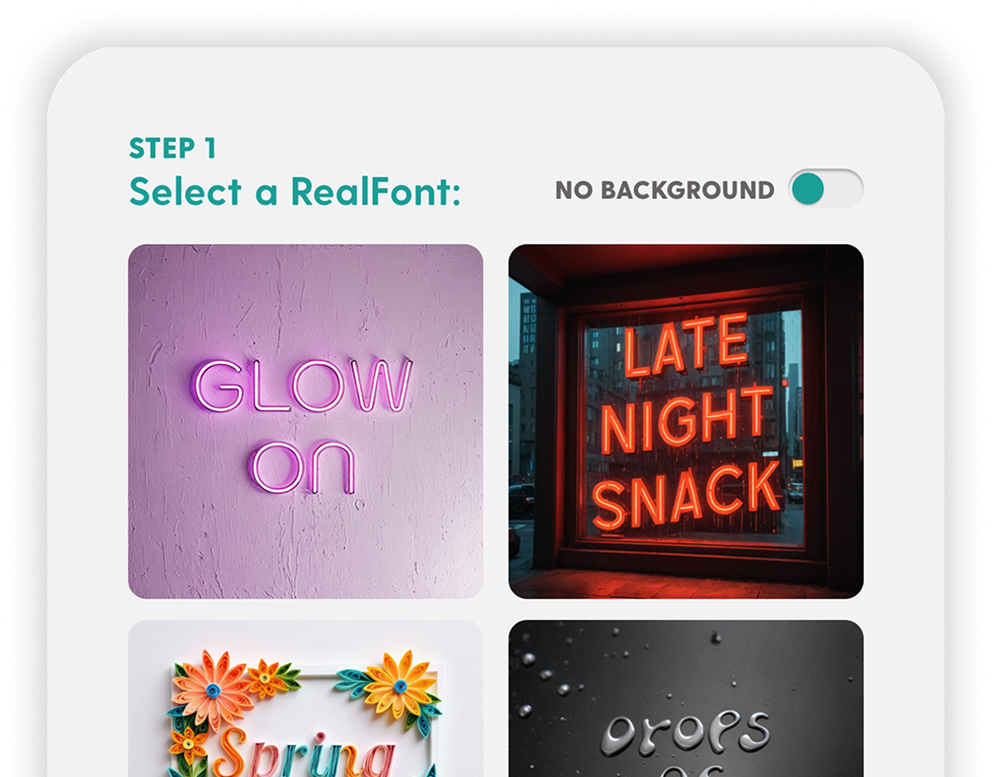
Turn your words into 3D art. Flowers, neon signs, donuts… your text has never looked this good.
Genie
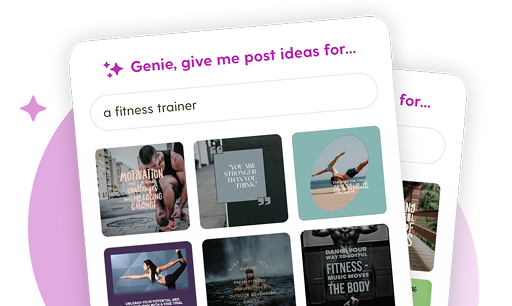
Blank screen? Not anymore. Genie creates custom post ideas tailored to your brand in one tap.
Grow your Facebook audience and content engagement with Word Swag
Real customer testimonials
Why investing in your Unique Facebook brand pays off
Facebook for businesses
Facebook has over 3 billion monthly active users and more than 200 million active business pages. It’s the largest social media platform in the world, and it’s not even close. Whether you run a restaurant, a coaching business, or a retail shop, your customers are on Facebook.
Over 70% of Facebook users visit a local business page at least once a week, so there’s a massive, built-in audience already looking for businesses like yours. Word Swag makes it easy to win them over by keeping your page looking professional, with polished fonts and graphics that take minutes, not hours, to create.
Boost post engagement with custom font designs
Photos earn 35% more engagement than text-only posts on Facebook. Eye-catching visuals stop the scroll and get people interacting with your content. But most business owners don’t have time to open Photoshop every time they need a post.
Create custom on-brand graphics in minutes, post consistently, and watch your engagement grow. More visual content means more reach, more shares, and more customers finding your business. That’s where Word Swag comes in.
Design social media posts for every platform
Instagram
Posts, stories, portrait, landscape, and new vertical grid
Facebook
Posts, cover photos, stories, square, portrait, landscape, and more
Pinterest
Square and portrait pins, stories, and board cover photos optimized for clicks.
LinkedIn
Professional posts, cover photos, company banners, article graphics, and profile headers.
Youtube
Thumbnails, channel banners, intro/outro slides, and Shorts covers.
TikTok
Bold text overlays for videos, stories, profile graphics, and content covers.
X (Twitter)
Standout posts, profile banners, and link preview images.
Substack
Newsletter logos, email banners, cover images, and featured article graphics.
Medium
Avatar images, logos, background graphics, and story header images.
Snapchat
Stylish text overlays for stories, spotlight content, and profile graphics.
Made for People Who'd Rather Post Than Design
You didn’t start your business (or your brand) to spend all day picking fonts. Word Swag handles the design so you can focus on what you actually care about: connecting with your audience and growing your reach.
Small business owners use Word Swag’s simple font design platform to whip up personalized sale announcements, event promos, and branded content. Creators use it to keep their feed consistent and polished without the burnout of designing every single post from scratch.
3 million people have figured out the shortcut. Now it’s your turn.