#1 Poster & Font Design App
That poster in the coffee shop window? Made on a phone. The quote framed in the nursery? Took thirty seconds. Word Swag makes it easy — pick a template, add your words, export in high resolution. No design experience, no pixelated prints. Just professional results people actually hang on walls and frame as gifts.
#1 Poster & Font Design App
That poster in the coffee shop window? Made on a phone. The quote framed in the nursery? Took thirty seconds. Word Swag makes it easy — pick a template, add your words, export in high resolution. No design experience, no pixelated prints. Just professional results people actually hang on walls and frame as gifts.

How to make a custom poster design that looks professionally done
-
Launch the app and select a custom image size for your poster. Word Swag supports a range of dimensions so you can create everything from a standard letter-size printout to a square social media graphic. Pick what fits your project and jump in.
-
Upload your own product photo, storefront shot, or event image. Or browse millions of free backgrounds from Pixabay and Unsplash to find something that sets the right tone. Solid colors, textures, and lifestyle images all work great as poster backgrounds.
-
Type in your headline, event info, sale details, or whatever you need people to know. Keep it clear and direct. Include a call to action like “Visit us today” or “Book now” so people know what to do next. Word Swag’s text engine will handle the layout for you.
-
Pull the whole poster together in minutes. Pull the whole poster together in minutes. Tap through dozens of hand-crafted font styles to find the right look for your personalized poster design. Adjust text colors, try gold foil or watercolor effects, and apply image filters to tie everything together. Add your logo to keep it on-brand, and hit the dice button to explore even more layout options.
-
Export your poster in high resolution so it looks sharp whether you’re printing it at home, sending it to a print shop, or posting it online. Share directly to Instagram, Facebook, or any platform, or save it to your camera roll and send it out however you like.
How to make a custom poster design that looks professionally done
-
Launch the app and select a custom image size for your poster. Word Swag supports a range of dimensions so you can create everything from a standard letter-size printout to a square social media graphic. Pick what fits your project and jump in.
-
Upload your own product photo, storefront shot, or event image. Or browse millions of free backgrounds from Pixabay and Unsplash to find something that sets the right tone. Solid colors, textures, and lifestyle images all work great as poster backgrounds.
-
Type in your headline, event info, sale details, or whatever you need people to know. Keep it clear and direct. Include a call to action like “Visit us today” or “Book now” so people know what to do next. Word Swag’s text engine will handle the layout for you.
-
Pull the whole poster together in minutes. Pull the whole poster together in minutes. Tap through dozens of hand-crafted font styles to find the right look for your personalized poster design. Adjust text colors, try gold foil or watercolor effects, and apply image filters to tie everything together. Add your logo to keep it on-brand, and hit the dice button to explore even more layout options.
-
Export your poster in high resolution so it looks sharp whether you’re printing it at home, sending it to a print shop, or posting it online. Share directly to Instagram, Facebook, or any platform, or save it to your camera roll and send it out however you like.
Draw attention, make sales
Sometimes you just need a great-looking poster — for your home, an event, a business, a classroom, a gift. Word Swag lets you skip the design headaches and go straight to a polished, professional result in minutes. Pick a background, add your words, choose a font style that fits the vibe. Print it, frame it, post it on social media, or all three. It’s that simple.
Free poster templates for businesses
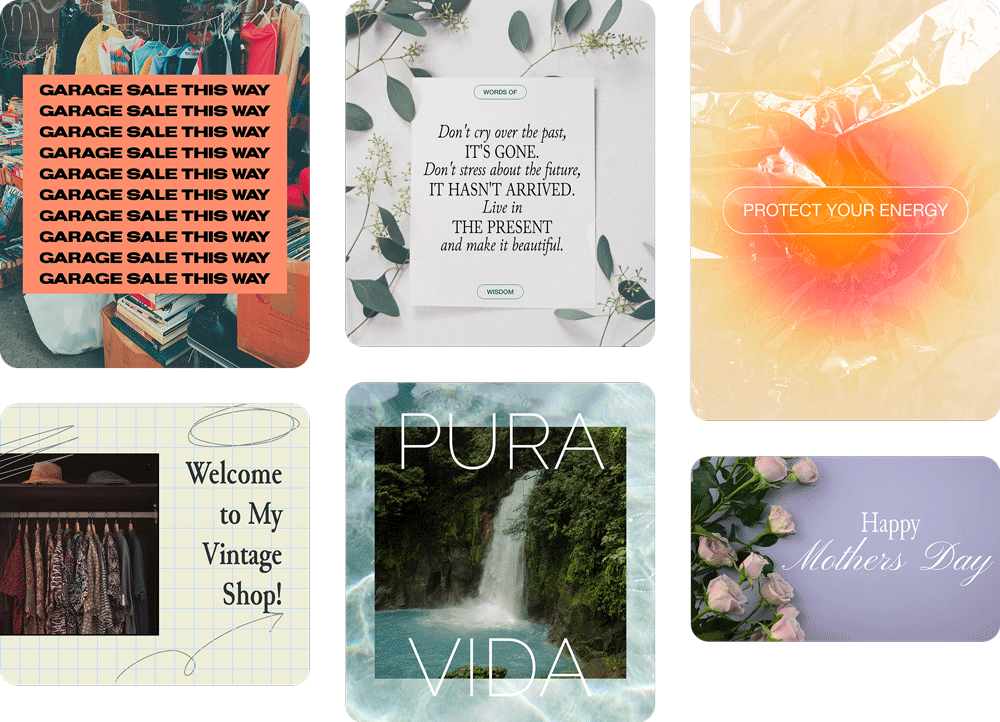
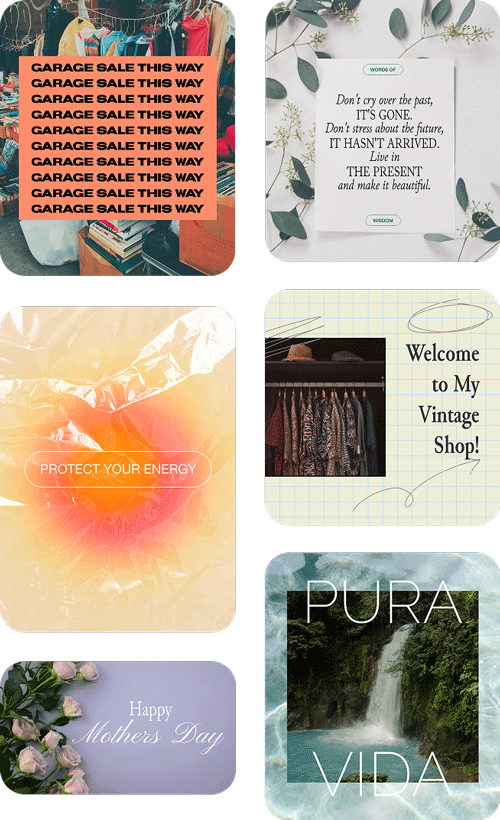
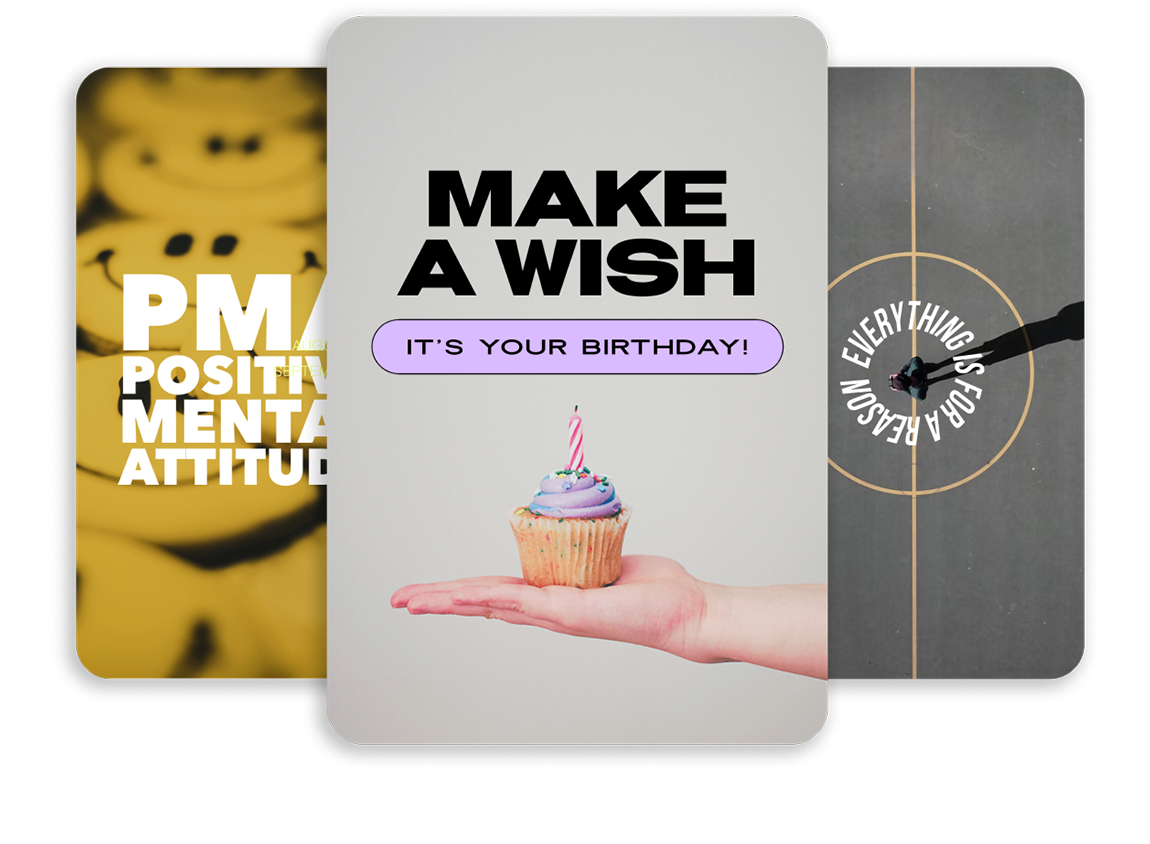
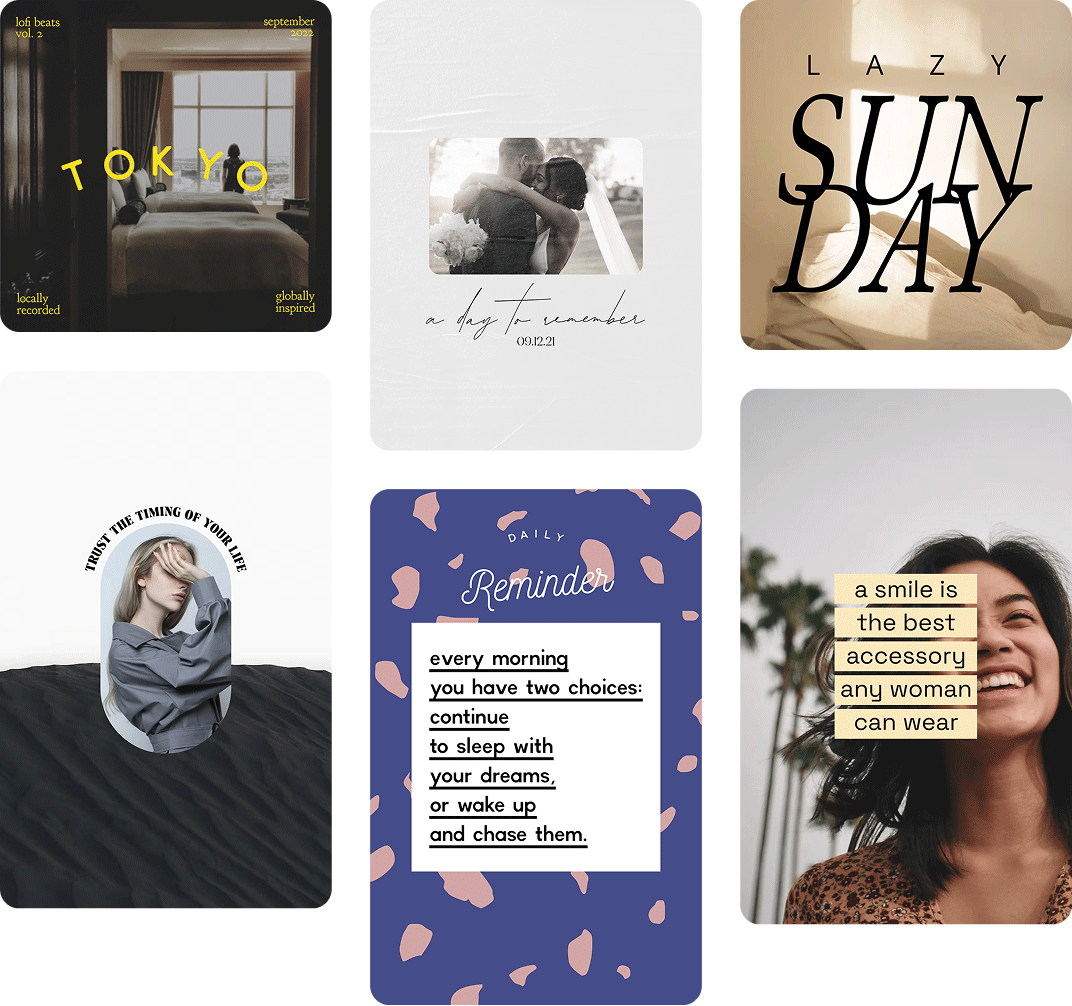
Browse poster designs made with Word Swag and get inspired. Every style you see here was created right in the app.