YouTube custom thumbnail & banner design
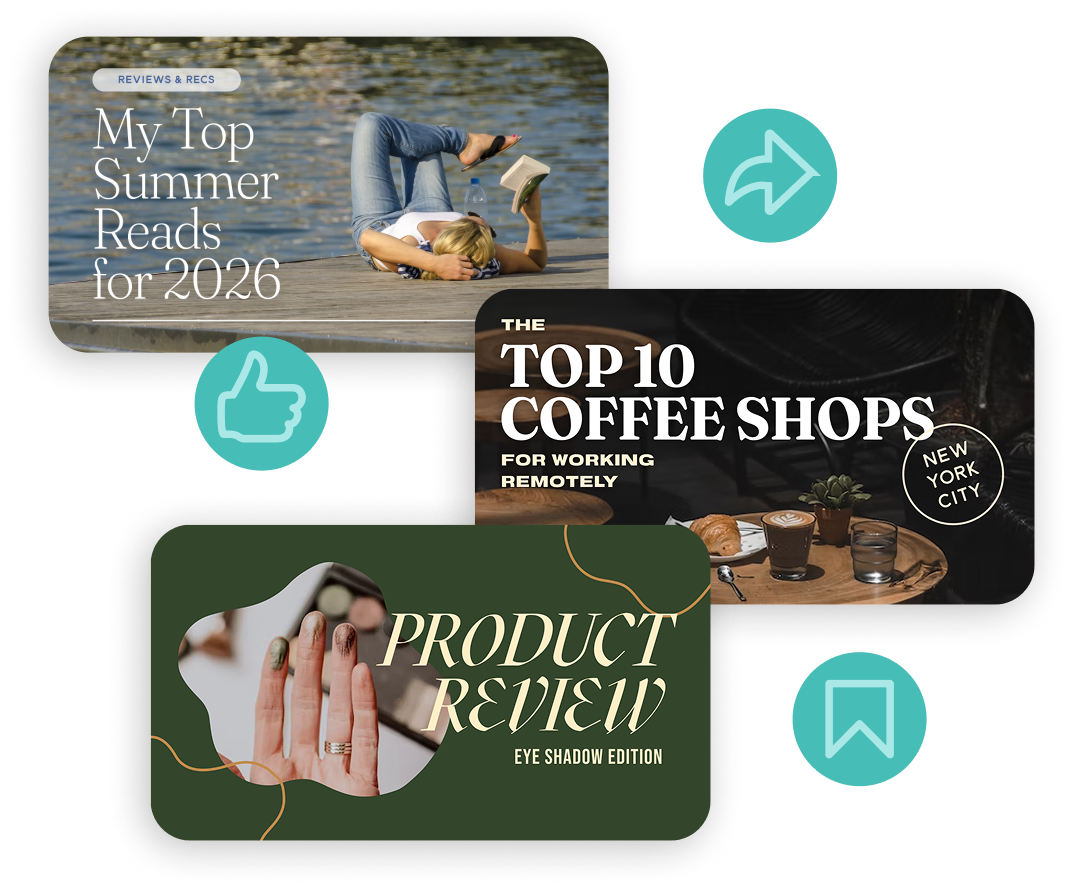
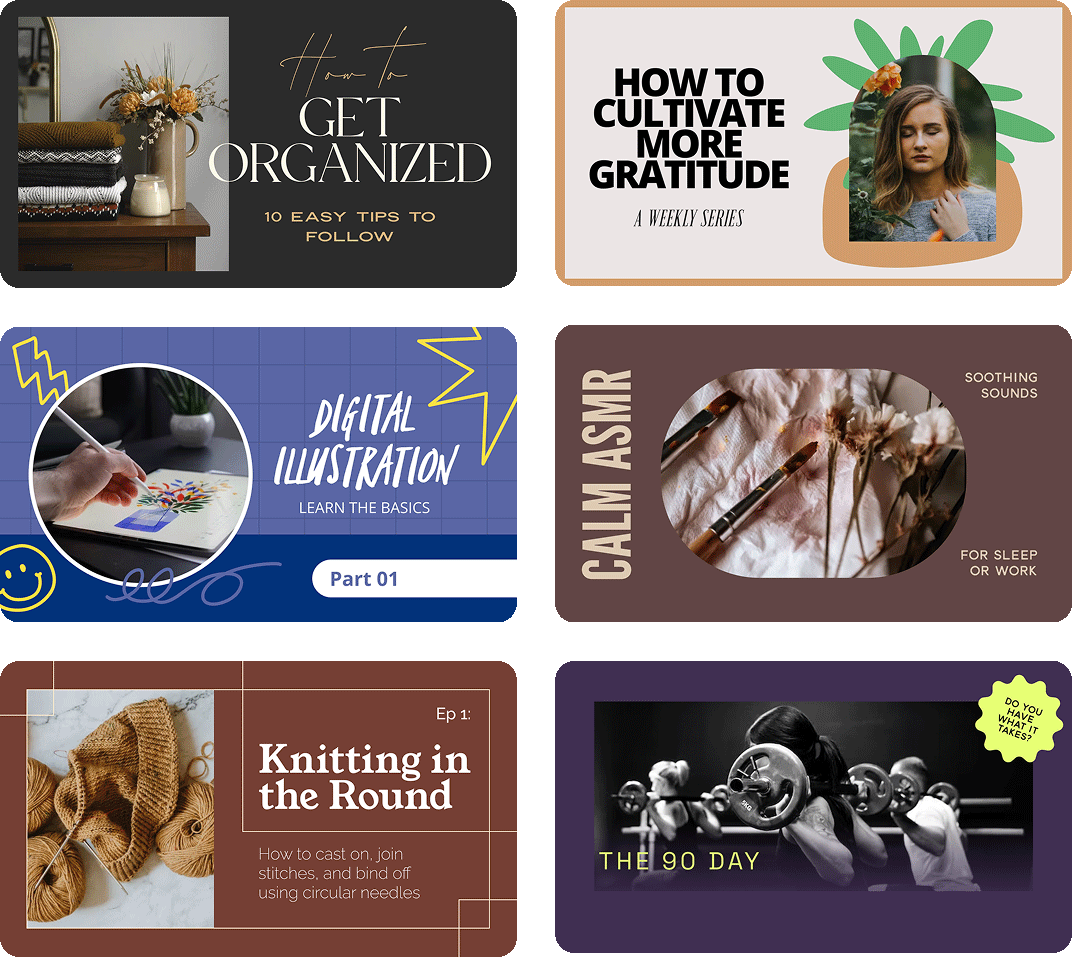
Earn the click and get more views. Design bold, click-worthy YouTube thumbnails, channel banners, and video graphics that get substantial engagement. Stand out in search results and suggested videos with Word Swag’s free font designs.
YouTube custom thumbnail & banner design
Earn the click and get more views. Design bold, click-worthy YouTube thumbnails, channel banners, and video graphics that get substantial engagement. Stand out in search results and suggested videos with Word Swag’s free font designs.

How to Design YouTube Thumbnails & Banners that get clicked
-
Get perfectly sized graphics with no guesswork. Open the app and select a YouTube-optimized size. Thumbnails use 1280 x 720 pixels, and channel banners are 2560 x 1440. Word Swag has presets for both, so your custom graphics and fonts always fit perfectly.
-
Pick an image that gets the click. Use a still from your video, a photo from your camera roll, or browse millions of images in the free Word Swag app. For thumbnails, bold, high-contrast images with faces tend to get the most clicks. Pick something that pops at small sizes.
-
Write a title that earns the click. Keep it short and punchy, ideally 3 to 6 words, and make it big, bold, and readable at thumbnail size. Browse free built-in caption designs or let Genie suggest ideas.
-
Tap through font styles and pick something bold and high-contrast. YouTube thumbnails need to be readable at very small sizes, so go with thick, clean fonts. Adjust colors so your text stands out against your background, and add your channel logo if you want.
-
Get a crisp thumbnail that looks great on any screen. Export your custom thumbnail in high resolution and upload it to YouTube Studio when you publish your video. Word Swag exports crisp, clear files that hold up in search results, suggested videos, and at any size.
How to Design YouTube Thumbnails & Banners that get clicked
-
Get perfectly sized graphics with no guesswork. Open the app and select a YouTube-optimized size. Thumbnails use 1280 x 720 pixels, and channel banners are 2560 x 1440. Word Swag has presets for both, so your custom graphics and fonts always fit perfectly.
-
Pick an image that gets the click. Use a still from your video, a photo from your camera roll, or browse millions of images in the free Word Swag app. For thumbnails, bold, high-contrast images with faces tend to get the most clicks. Pick something that pops at small sizes.
-
Write a title that earns the click. Keep it short and punchy, ideally 3 to 6 words, and make it big, bold, and readable at thumbnail size. Browse free built-in caption designs or let Genie suggest ideas.
-
Tap through font styles and pick something bold and high-contrast. YouTube thumbnails need to be readable at very small sizes, so go with thick, clean fonts. Adjust colors so your text stands out against your background, and add your channel logo if you want.
-
Get a crisp thumbnail that looks great on any screen. Export your custom thumbnail in high resolution and upload it to YouTube Studio when you publish your video. Word Swag exports crisp, clear files that hold up in search results, suggested videos, and at any size.
Font apps for all of your needs
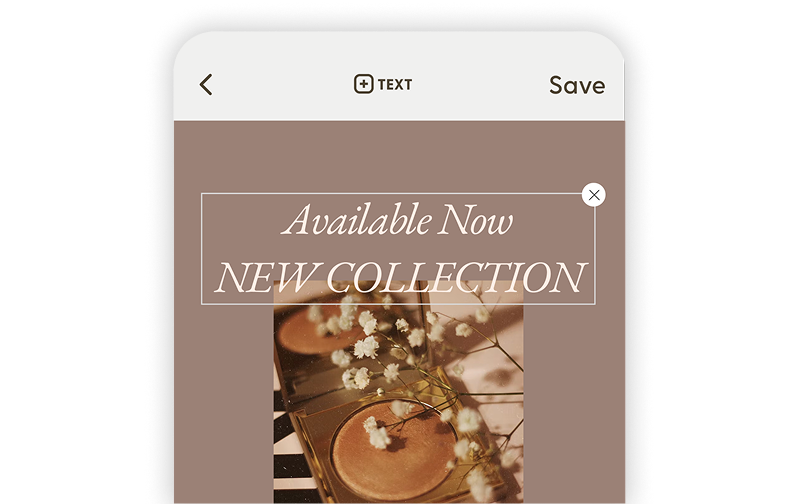
Word Swag Pro
Create beautifully designed text posts, flyers, and social graphics with premium fonts and effects.
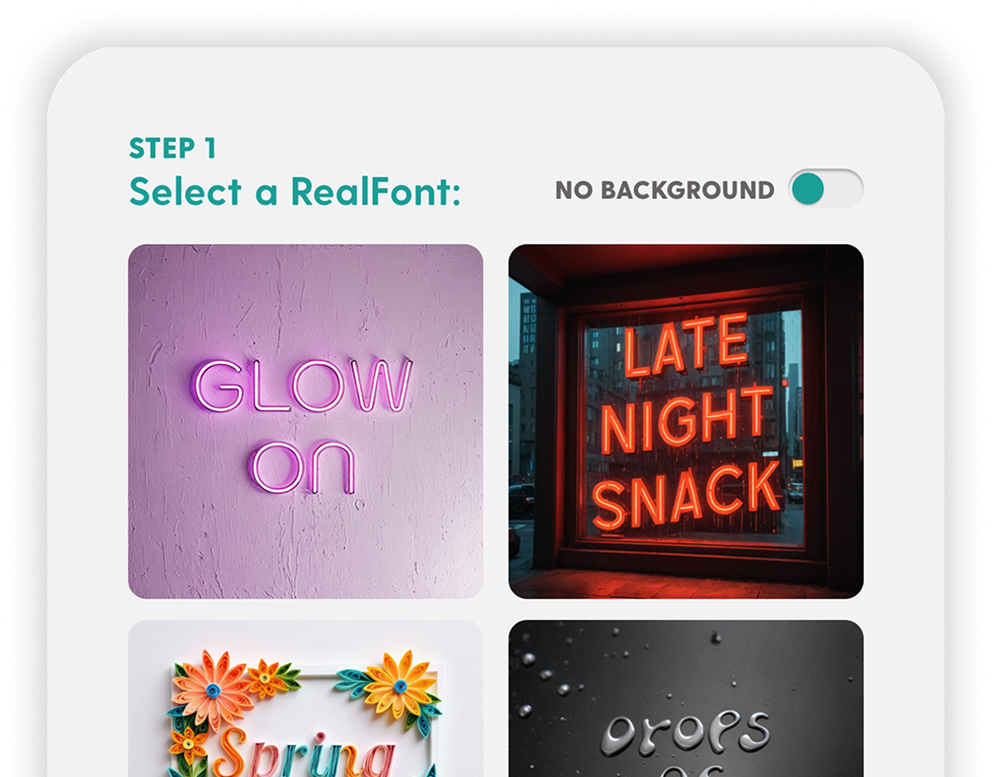
RealFonts
Turn your words into 3D art. Flowers, neon signs, donuts… your text has never looked this good.
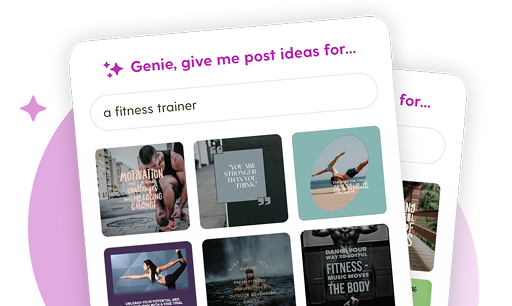
Genie
Blank screen? Not anymore. Genie creates custom post ideas tailored to your brand in one tap.
Grow your YouTube audience and content engagement with Word Swag
Real customer testimonials
Why investing in YouTube for Your Business or Brand pays off
YouTube for businesses & content creators
YouTube has over 2.5 billion monthly active users and is the second most-visited website in the world. Over 500 hours of video are uploaded every minute, which means the competition for attention is intense. Your thumbnail is the single biggest factor in whether someone clicks on your video or scrolls past it.
YouTube builds brand awareness, and that drives real product visibility. More than 51% of marketers use it primarily for brand awareness, and businesses that maintain active YouTube channels and post consistent, engaging content report significantly higher product visibility. Whether you’re a creator growing your audience or a business building recognition, YouTube is essential.
Thumbnails are everything
YouTube’s own Creator Academy says that 90% of the best-performing videos use custom thumbnails. A great thumbnail can double or triple your click-through rate compared to an auto-generated one. Bold text, high-contrast colors, and expressive imagery are the proven formula.
Word Swag makes it easy to create professional thumbnails without Photoshop. Pick a photo, add a short headline in a bold font style, adjust the colors, and export. You can have a click-worthy thumbnail ready in under a minute.
YouTube FAQs
YouTube Facts blog
Social media design tips for small businesses & influencers
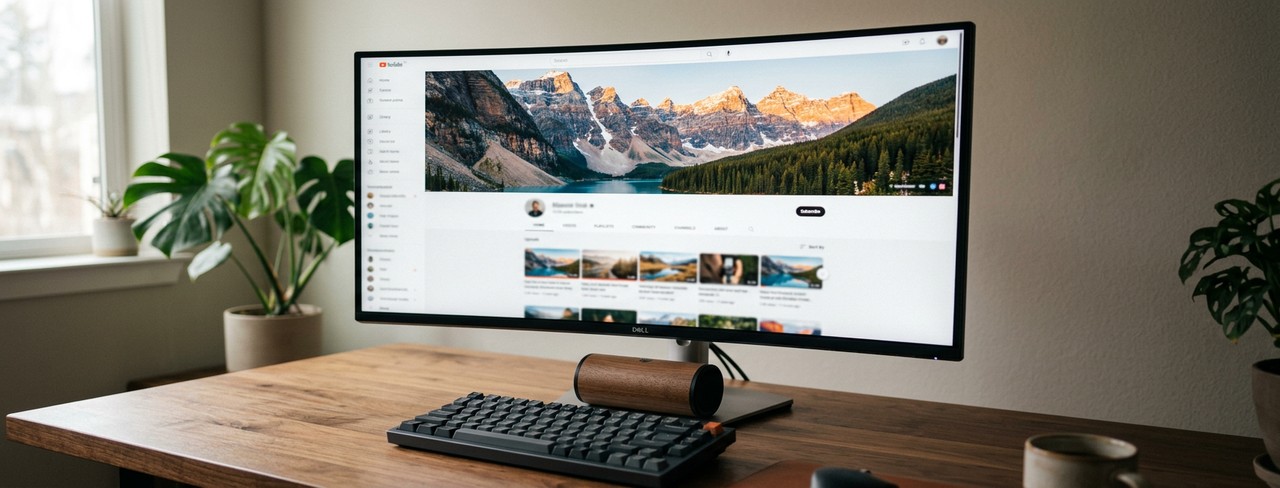
YouTube Channel Art Sizes and Best Practices for 2026
Exact YouTube channel art dimensions and safe zones so nothing important gets cropped.
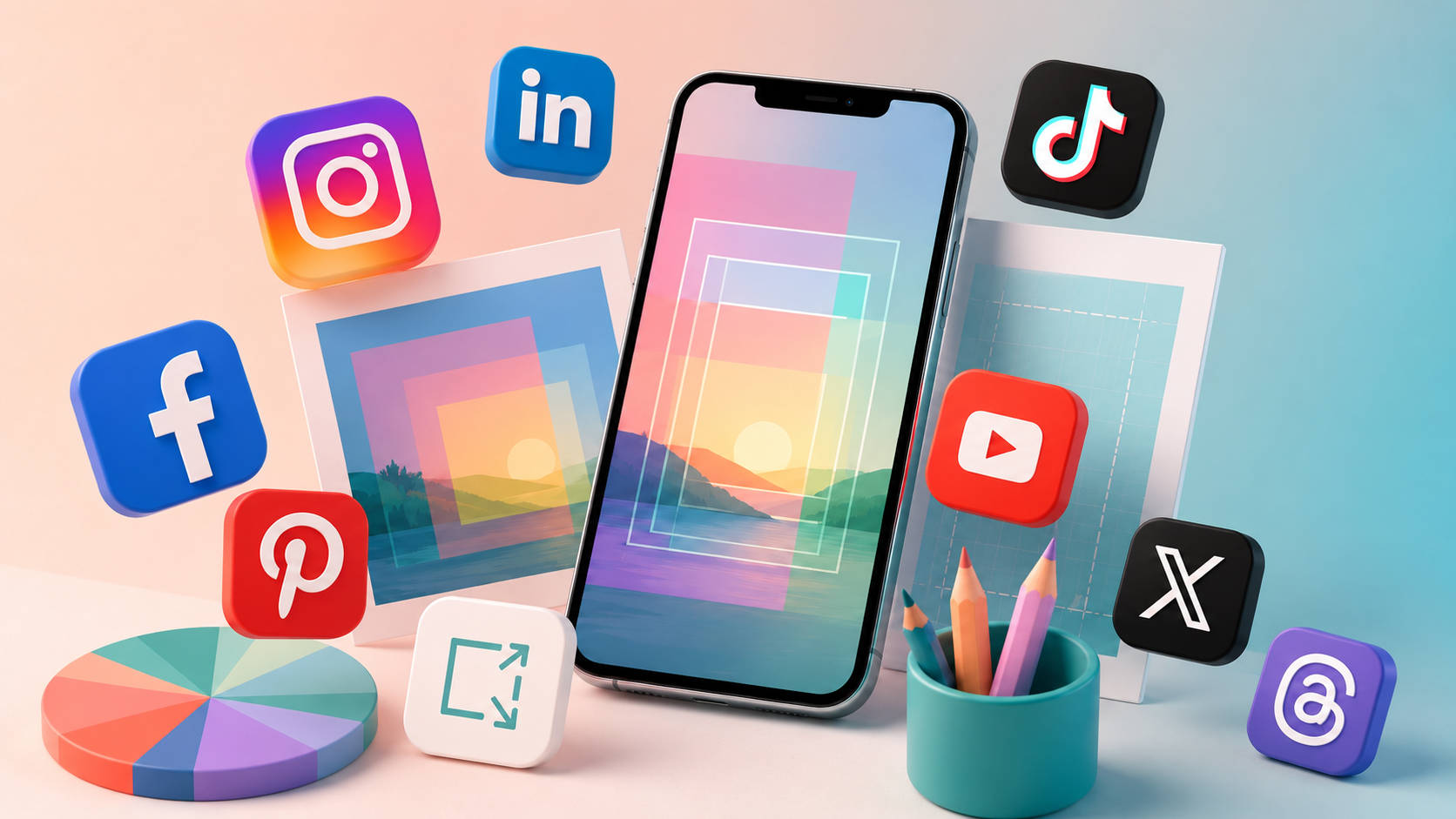
Social Media Image Sizes for Every Platform in 2026
Every social media image size for 2026, across Instagram, Pinterest, YouTube, LinkedIn, and more.

Background Photos That Make Your Text Pop: A Guide
Stop your text from vanishing into busy photos. How to pick backgrounds that make words pop.
Design social media posts for every platform
Instagram
Posts, stories, portrait, landscape, and new vertical grid
Facebook
Posts, cover photos, stories, square, portrait, landscape, and more
Pinterest
Square and portrait pins, stories, and board cover photos optimized for clicks.
LinkedIn
Professional posts, cover photos, company banners, article graphics, and profile headers.
Youtube
Thumbnails, channel banners, intro/outro slides, and Shorts covers.
TikTok
Bold text overlays for videos, stories, profile graphics, and content covers.
X (Twitter)
Standout posts, profile banners, and link preview images.
Substack
Newsletter logos, email banners, cover images, and featured article graphics.
Medium
Avatar images, logos, background graphics, and story header images.
Snapchat
Stylish text overlays for stories, spotlight content, and profile graphics.
Made for People Who'd Rather Post Than Design
You didn’t start your business (or your brand) to spend all day picking fonts. Word Swag handles the design so you can focus on what you actually care about: connecting with your audience and growing your reach.
Small business owners use Word Swag’s simple font design platform to whip up personalized sale announcements, event promos, and branded content. Creators use it to keep their feed consistent and polished without the burnout of designing every single post from scratch.
3 million people have figured out the shortcut. Now it’s your turn.