LinkedIn post and font design
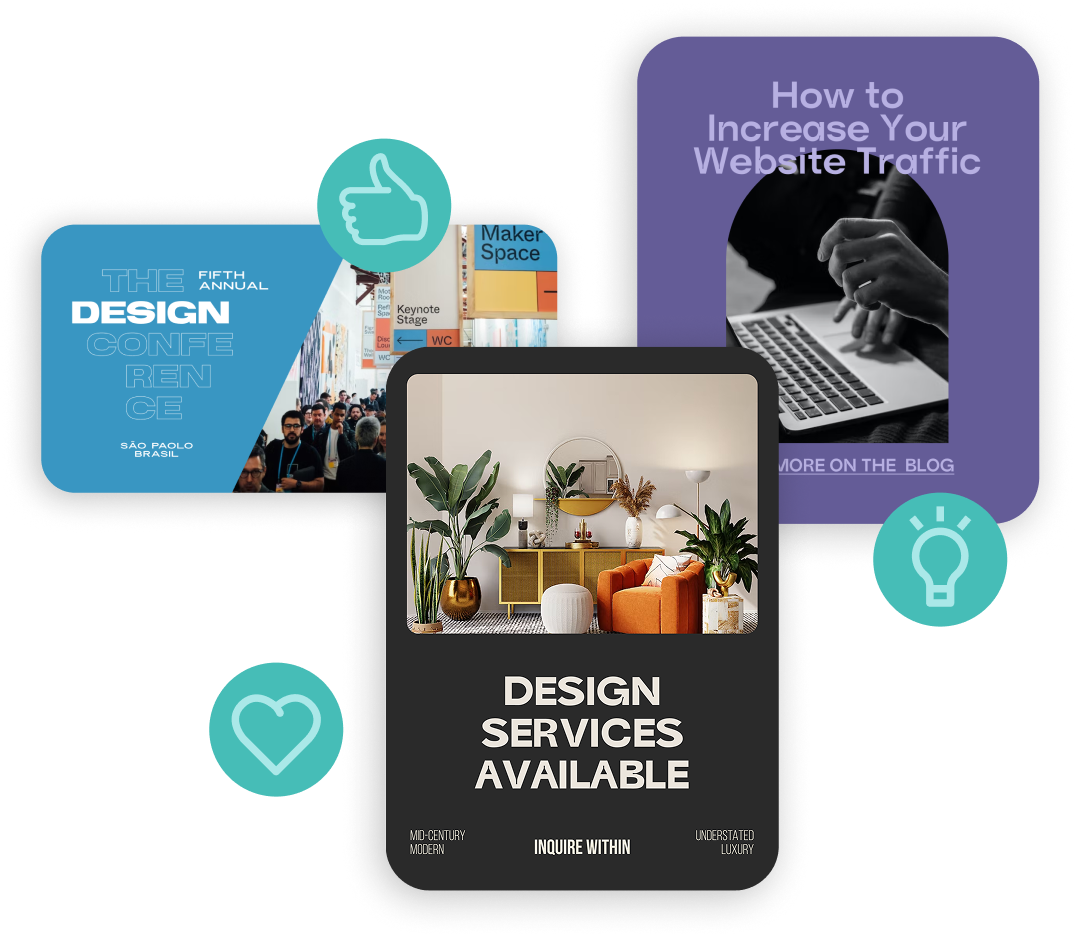
Create professional, polished LinkedIn posts and graphics that build credibility, spark conversations, and grow your network. No design degree required.
LinkedIn post and font design
Create professional, polished LinkedIn posts and graphics that build credibility, spark conversations, and grow your network. No design degree required.

How to Design a LinkedIn Post
-
Skip the sizing guesswork. Open the app and choose a post size preset that works for LinkedIn. Square (1080 x 1080) and landscape (1200 x 627) are the most common feed formats, and Word Swag also handles banner sizes for your profile and company page.
-
Pick a professional-looking photo from your camera roll or browse millions of free stock images in the app. For LinkedIn, clean and minimal backgrounds tend to perform best. Think solid colors, subtle textures, or professional photography.
-
Spark the conversation that LinkedIn rewards. Lead with something insightful: your key takeaway, a stat, a quote, or a thought leadership message. Browse built-in custom quote designs for inspiration, or let Genie generate ideas based on your industry.
-
Look credible and on-brand in seconds. Tap through 100+ font styles to find the right look, since LinkedIn content works best with clean, modern typography. Adjust colors to match your business or personal brand, and add your logo for extra professionalism.
-
Save your design and upload it to LinkedIn, or share it directly from the app. Pair your graphic with a well-written caption that encourages comments and discussion. LinkedIn’s algorithm rewards posts that generate genuine engagement.
How to Design a LinkedIn Post
-
Skip the sizing guesswork. Open the app and choose a post size preset that works for LinkedIn. Square (1080 x 1080) and landscape (1200 x 627) are the most common feed formats, and Word Swag also handles banner sizes for your profile and company page.
-
Pick a professional-looking photo from your camera roll or browse millions of free stock images in the app. For LinkedIn, clean and minimal backgrounds tend to perform best. Think solid colors, subtle textures, or professional photography.
-
Spark the conversation that LinkedIn rewards. Lead with something insightful: your key takeaway, a stat, a quote, or a thought leadership message. Browse built-in custom quote designs for inspiration, or let Genie generate ideas based on your industry.
-
Look credible and on-brand in seconds. Tap through 100+ font styles to find the right look, since LinkedIn content works best with clean, modern typography. Adjust colors to match your business or personal brand, and add your logo for extra professionalism.
-
Save your design and upload it to LinkedIn, or share it directly from the app. Pair your graphic with a well-written caption that encourages comments and discussion. LinkedIn’s algorithm rewards posts that generate genuine engagement.
Font apps for all of your needs
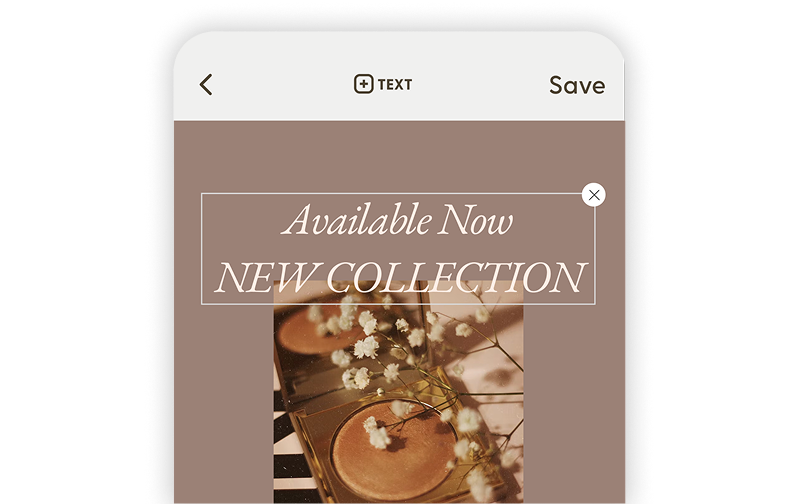
Word Swag Pro
Create beautifully designed text posts, flyers, and social graphics with premium fonts and effects.
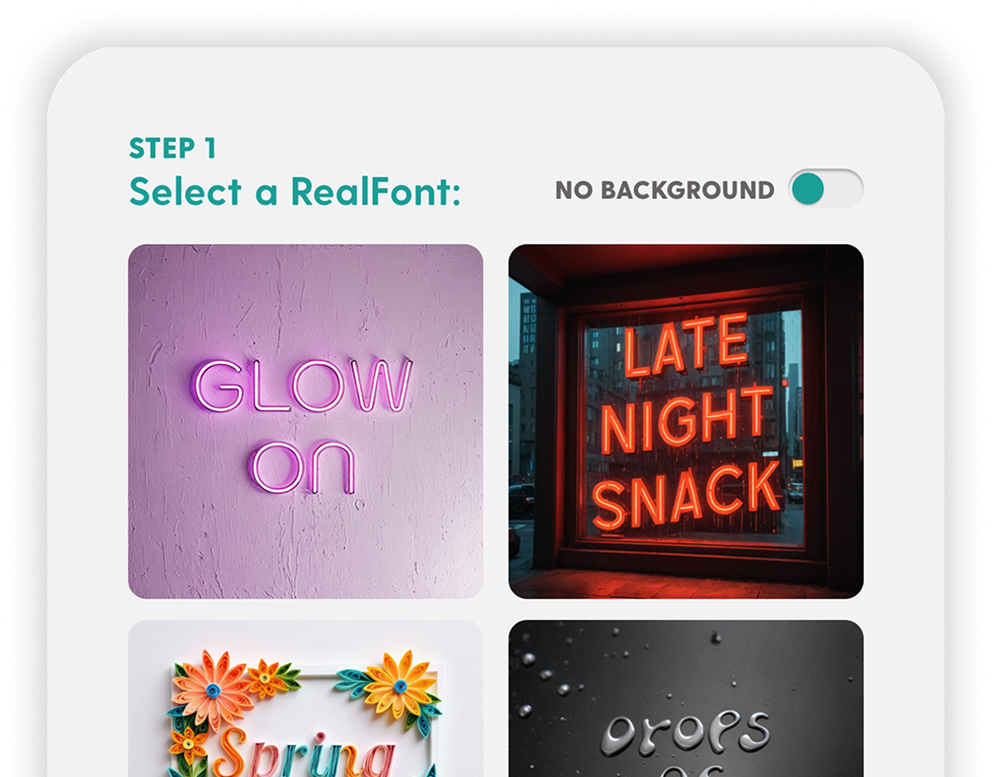
RealFonts
Turn your words into 3D art. Flowers, neon signs, donuts… your text has never looked this good.
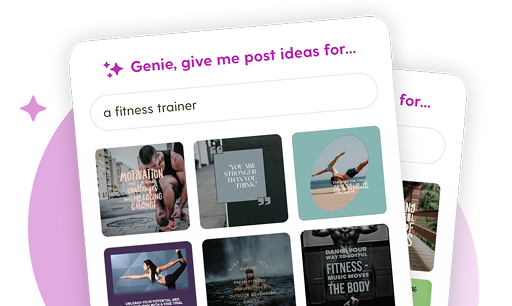
Genie
Blank screen? Not anymore. Genie creates custom post ideas tailored to your brand in one tap.
Grow your LinkedIn posts and audience engagement with professional font designs
Real customer testimonials
Invest in LinkedIn for Your Brand
LinkedIn font design for professionals and businesses
LinkedIn has over 1.1 billion registered users and more than 310 million monthly active users. But the real power of LinkedIn isn’t the size of its audience. It’s the quality. Four out of five LinkedIn members drive business decisions, and the platform’s audience has twice the buying power of the average web audience.
Whether you’re a solopreneur building your personal brand, a B2B company generating leads, or a thought leader sharing insights, LinkedIn is where professional credibility is built. And the businesses that show up consistently with polished, visual content stand out from the wall of plain text posts.
Boost engagement with visual content
LinkedIn’s average engagement rate is 6.5%, the highest of any major social platform. Posts with images and graphics consistently outperform text-only posts. Carousels earn 278% more engagement than video on LinkedIn, and well-designed quote graphics or data visuals spark comments and shares.
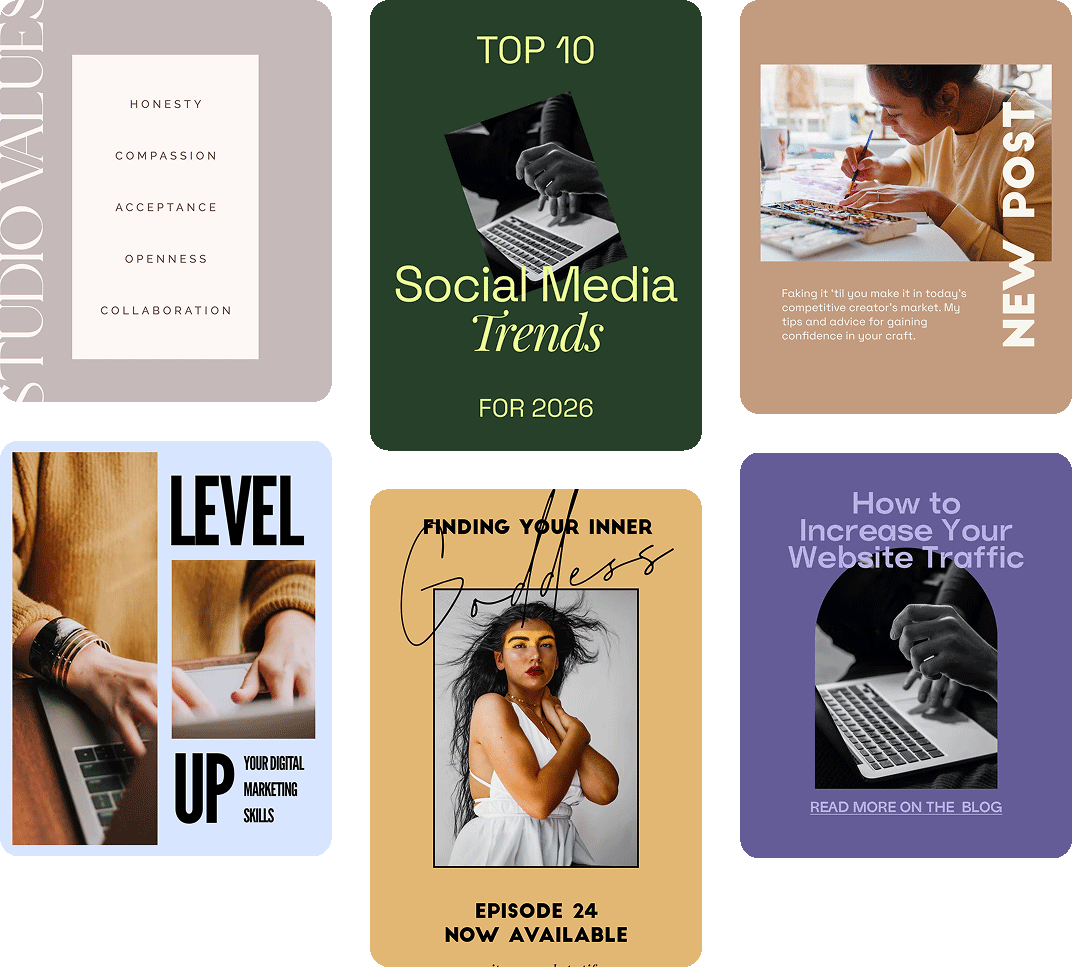
Word Swag helps you create professional-looking LinkedIn graphics in minutes. Pick a background, add your insight or data point, choose a clean font style, and post. It’s the fastest way to build a polished LinkedIn presence without a design team.
LinkedIn FAQs
LinkedIn Facts blog
Social media design tips for small businesses & influencers
Social Media Image Sizes for Every Platform in 2026
Every social media image size for 2026, across Instagram, Pinterest, YouTube, LinkedIn, and more.
How to Write Instagram Captions That Stop the Scroll
Turn a scroll into a like, a comment, and a follow with captions that actually pull their weight.
Batch Your Social Media Graphics: A Week of Posts in One Hour
Design a full week of social posts in about an hour with a simple batching workflow.
Design social media posts for every platform
Instagram
Posts, stories, portrait, landscape, and new vertical grid
Facebook
Posts, cover photos, stories, square, portrait, landscape, and more
Pinterest
Square and portrait pins, stories, and board cover photos optimized for clicks.
LinkedIn
Professional posts, cover photos, company banners, article graphics, and profile headers.
Youtube
Thumbnails, channel banners, intro/outro slides, and Shorts covers.
TikTok
Bold text overlays for videos, stories, profile graphics, and content covers.
X (Twitter)
Standout posts, profile banners, and link preview images.
Substack
Newsletter logos, email banners, cover images, and featured article graphics.
Medium
Avatar images, logos, background graphics, and story header images.
Snapchat
Stylish text overlays for stories, spotlight content, and profile graphics.
Made for People Who'd Rather Post Than Design
You didn’t start your business (or your brand) to spend all day picking fonts. Word Swag handles the design so you can focus on what you actually care about: connecting with your audience and growing your reach.
Small business owners use Word Swag’s simple font design platform to whip up personalized sale announcements, event promos, and branded content. Creators use it to keep their feed consistent and polished without the burnout of designing every single post from scratch.
3 million people have figured out the shortcut. Now it’s your turn.