Pinterest font and post design
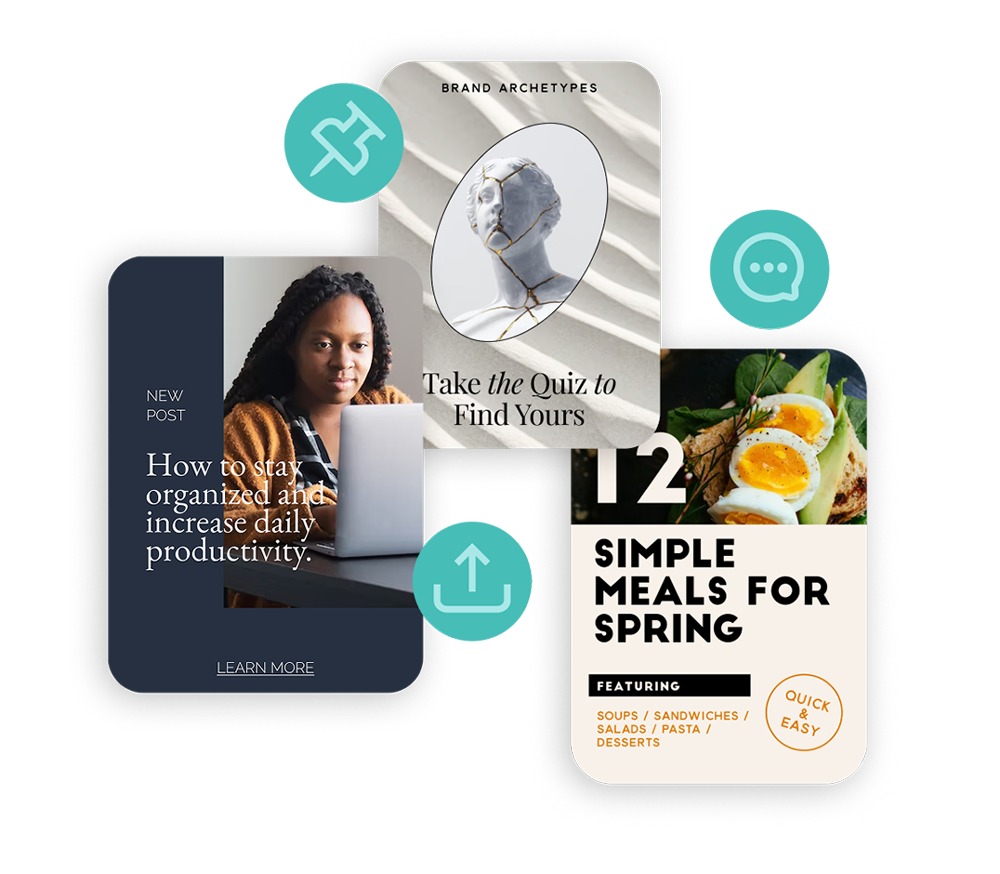
Design beautiful Pinterest pins that get clicks, saves, and repins. Create eye-catching fonts and graphics, optimized for Pinterest’s visual feed, in minutes.
Pinterest font and post design
Design beautiful Pinterest pins that get clicks, saves, and repins. Create eye-catching fonts and graphics, optimized for Pinterest’s visual feed, in minutes.

How to Design a Pinterest Pin
-
Open the app and select a Pinterest-optimized size. Portrait pins (1000 x 1500) perform best in the feed, and Word Swag has that preset built in. You can also create square pins and story pins, all perfectly sized.
-
Pick something that stands out in the feed. Use your own product photos, snap something new, or browse millions of free high-quality images built into the app. Pinterest is all about visuals, so go bold and stylish.
-
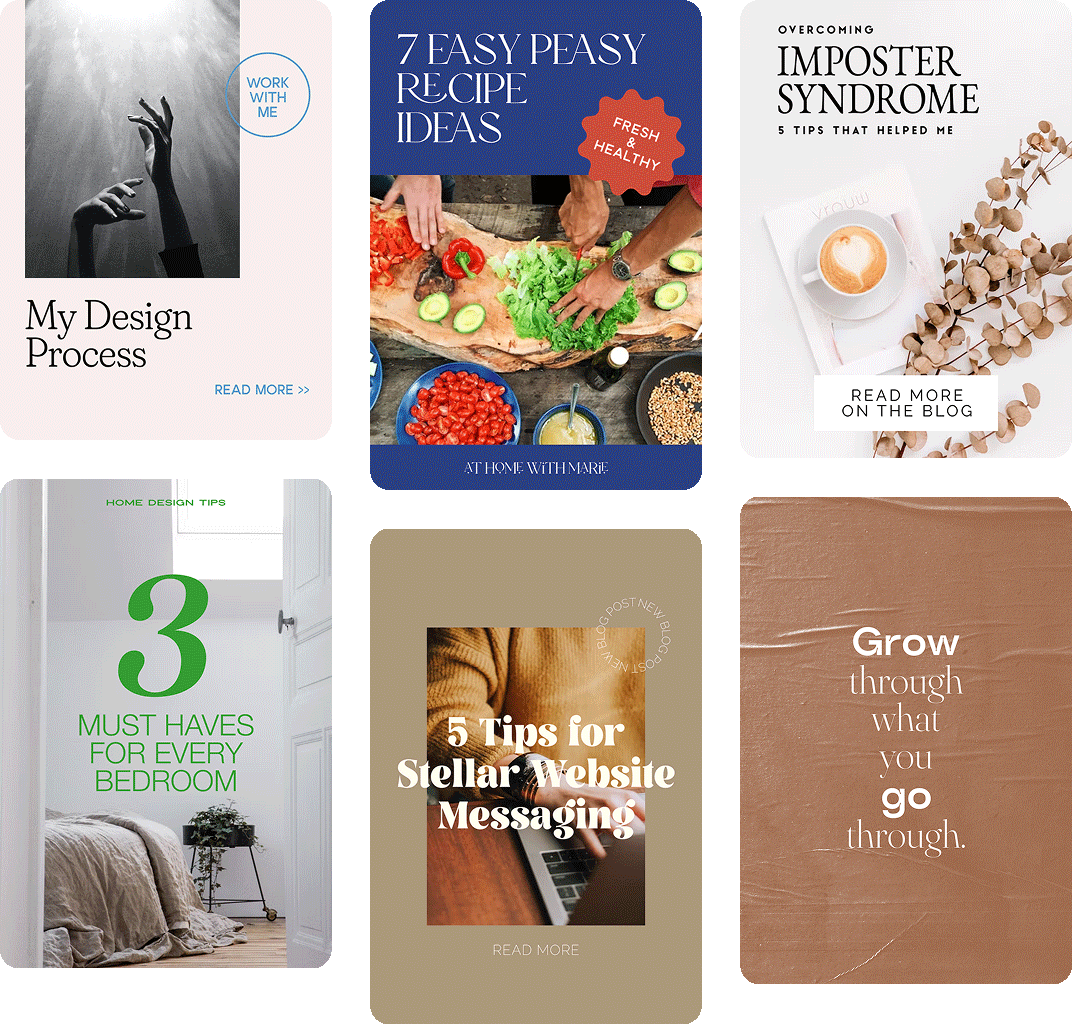
Get more saves and clicks with text that earns them. Pinterest pins with text overlays significantly outperform image-only pins, so type your pin title, blog post headline, or product description. Need inspiration? Browse built-in free font designs or let Genie generate ideas based on your niche.
-
Get a fresh, on-brand layout in seconds. Tap through 100+ free and creative font styles. For every font, Word Swag generates a fresh post layout. Adjust colors to match your brand, add text effects, and make sure your text reads clearly against the background. Hit the dice button for more variations.
-
Get crisp, professional pins, even on large screens. Export your custom post design and upload it to Pinterest, or save it to your camera roll for scheduling later. Word Swag exports at high resolution so your pins always look sharp.
How to Design a Pinterest Pin
-
Open the app and select a Pinterest-optimized size. Portrait pins (1000 x 1500) perform best in the feed, and Word Swag has that preset built in. You can also create square pins and story pins, all perfectly sized.
-
Pick something that stands out in the feed. Use your own product photos, snap something new, or browse millions of free high-quality images built into the app. Pinterest is all about visuals, so go bold and stylish.
-
Get more saves and clicks with text that earns them. Pinterest pins with text overlays significantly outperform image-only pins, so type your pin title, blog post headline, or product description. Need inspiration? Browse built-in free font designs or let Genie generate ideas based on your niche.
-
Get a fresh, on-brand layout in seconds. Tap through 100+ free and creative font styles. For every font, Word Swag generates a fresh post layout. Adjust colors to match your brand, add text effects, and make sure your text reads clearly against the background. Hit the dice button for more variations.
-
Get crisp, professional pins, even on large screens. Export your custom post design and upload it to Pinterest, or save it to your camera roll for scheduling later. Word Swag exports at high resolution so your pins always look sharp.
Font apps for all of your needs
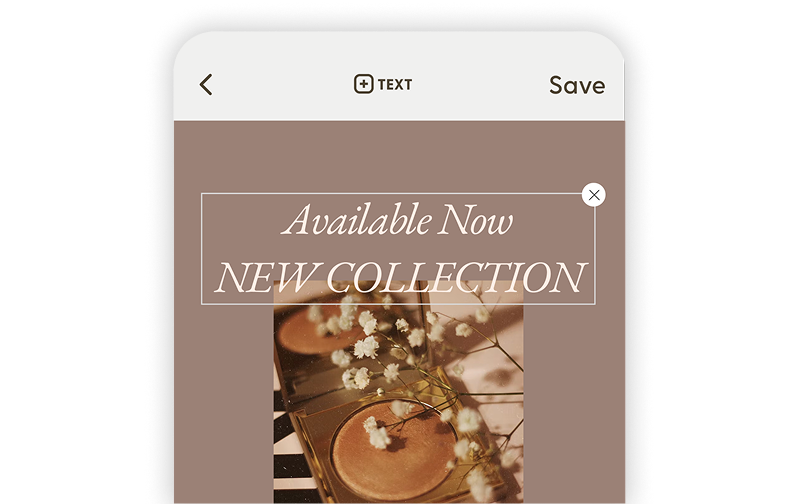
Word Swag Pro
Create beautifully designed text posts, flyers, and social graphics with premium fonts and effects.
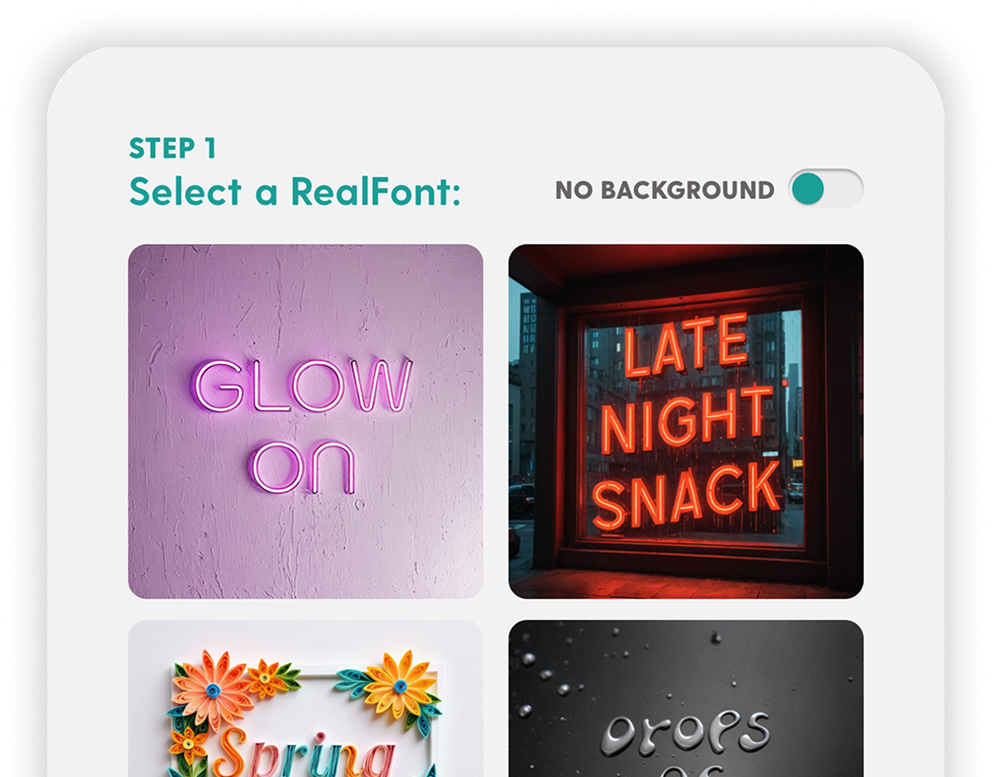
RealFonts
Turn your words into 3D art. Flowers, neon signs, donuts… your text has never looked this good.
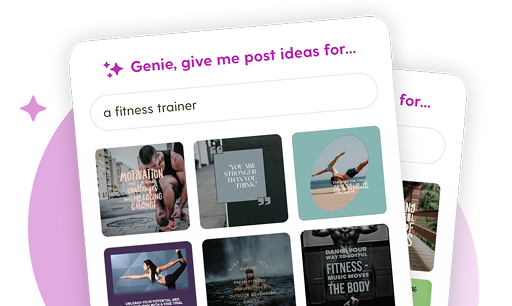
Genie
Blank screen? Not anymore. Genie creates custom post ideas tailored to your brand in one tap.
Grow your Pinterest audience and post engagement with Word Swag
Real customer testimonials
Invest in Pinterest for Your Brand
Pinterest for businesses
Pinterest has over 537 million monthly active users, and more than 80% of them use the platform to discover new products and plan purchases. Unlike most social platforms, Pinterest content has a lifespan of nearly 4 months. That means a single well-designed pin can drive traffic to your site for weeks after you post it.
Pinterest also drives 33% more referral traffic to e-commerce sites than Facebook and delivers 2x higher return on ad spend. If you sell anything visual (products, recipes, home decor, fashion, crafts), Pinterest is one of the highest-ROI platforms available.
Boost clicks with aesthetic font design
Pinterest is a visual search engine. Users scroll through hundreds of pins, and the ones with clean typography, bold colors, and clear messaging win the click. Text overlays on pins make your content more informative and more clickable.
Build a steady stream of traffic from Pinterest to your site. Word Swag’s diverse font collection makes it easy to create pins that stand out: pick a photo, add a headline, choose a font style, and you’ve got a professional-looking pin in under a minute. Do it consistently and the clicks add up.
Pinterest FAQs
Pinterest Facts blog
Social media design tips for small businesses & influencers
Pinterest Pin Sizes and Dimensions: The Complete 2026 Guide
Every Pinterest pin size for 2026, plus safe zones and specs so your pins never get cropped.
Social Media Image Sizes for Every Platform in 2026
Every social media image size for 2026, across Instagram, Pinterest, YouTube, LinkedIn, and more.

Background Photos That Make Your Text Pop: A Guide
Stop your text from vanishing into busy photos. How to pick backgrounds that make words pop.
Design social media posts for every platform
Instagram
Posts, stories, portrait, landscape, and new vertical grid
Facebook
Posts, cover photos, stories, square, portrait, landscape, and more
Pinterest
Square and portrait pins, stories, and board cover photos optimized for clicks.
LinkedIn
Professional posts, cover photos, company banners, article graphics, and profile headers.
Youtube
Thumbnails, channel banners, intro/outro slides, and Shorts covers.
TikTok
Bold text overlays for videos, stories, profile graphics, and content covers.
X (Twitter)
Standout posts, profile banners, and link preview images.
Substack
Newsletter logos, email banners, cover images, and featured article graphics.
Medium
Avatar images, logos, background graphics, and story header images.
Snapchat
Stylish text overlays for stories, spotlight content, and profile graphics.
Made for People Who'd Rather Post Than Design
You didn’t start your business (or your brand) to spend all day picking fonts. Word Swag handles the design so you can focus on what you actually care about: connecting with your audience and growing your reach.
Small business owners use Word Swag’s simple font design platform to whip up personalized sale announcements, event promos, and branded content. Creators use it to keep their feed consistent and polished without the burnout of designing every single post from scratch.
3 million people have figured out the shortcut. Now it’s your turn.