Pinterest Pin Sizes and Dimensions: The Complete 2026 Guide
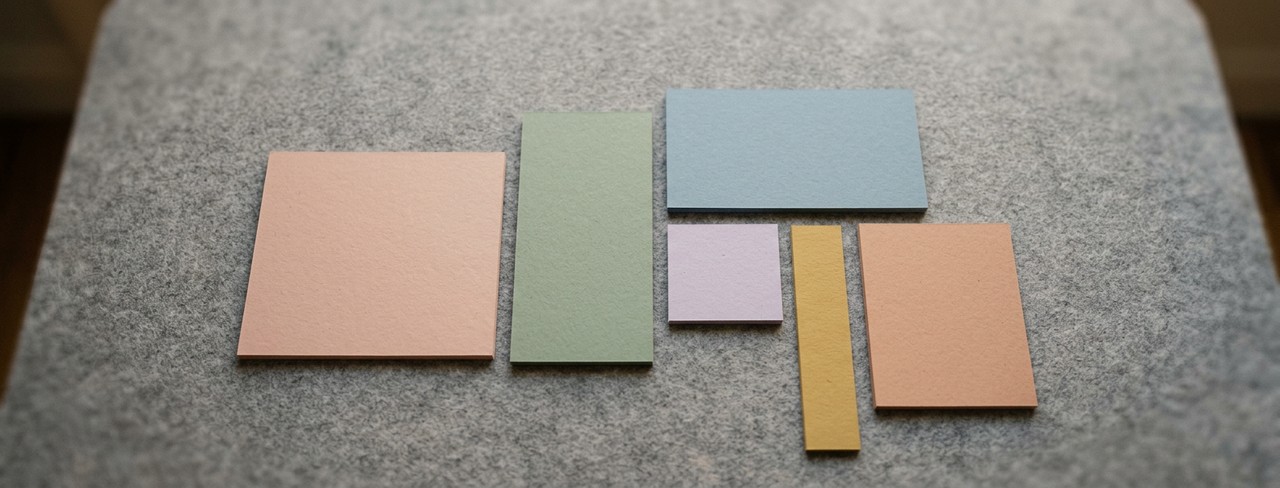
Getting your Pinterest dimensions right matters more than you think. An incorrectly sized pin can get cropped awkwardly, display with black bars, or just look amateur next to properly formatted pins. Pinterest’s algorithm also favors content that follows its recommended dimensions, so sizing directly affects your reach.
Here’s every Pinterest dimension you need for 2026, updated for the latest platform specs.
Standard Pin (The One You’ll Use Most)
Recommended: 1000 × 1500 pixels (2:3 ratio)
This is the bread and butter of Pinterest. The 2:3 ratio is what Pinterest optimizes for in both the home feed and search results. Your pin gets maximum real estate without being cut off or compressed. If you only remember one dimension, remember this one.
Anything taller than 2:3 (like 1:2.1 or longer) will get truncated in the feed. Pinterest used to reward very tall pins, but they changed that years ago. Stick with 2:3 for the best results.
Square Pin
Size: 1000 × 1000 pixels (1:1 ratio)
Square pins are allowed but they take up less feed space than vertical pins. They look especially small on mobile. Use square format only when you’re repurposing content designed for Instagram and don’t have time to create a Pinterest-specific version. If you have the choice, always go vertical.
Vertical Video & Full-Screen Pins
Size: 1080 × 1920 pixels (9:16 ratio)
Pinterest supports full-screen vertical images and videos (historically known as Idea Pins) using a 9:16 aspect ratio. This format works well for tutorials, recipes, before-and-after transformations, and other visual storytelling. It replaces what Pinterest previously called Idea Pins, whose features have been integrated into the standard Pin experience. All Pins can include external destination links, making them useful for driving traffic as well as engagement.
Note: Pinterest allows external destination links across all creation formats. This means multi-page and video content can now be used to drive direct traffic, leads, and sales to your website, in addition to building your on-platform following.
Profile Picture
Size: 165 × 165 pixels (displays as circle)
Upload at a higher resolution (500×500 or larger) and let Pinterest downscale it. Use your logo or a clear, well-lit headshot. Remember it displays as a circle, so keep important elements away from the corners.
Board Covers
Recommended: 1000 × 1000 pixels (or a minimum of 600 x 600)
Choose a pin from within the board or create a custom square graphic. It’s a minor detail, but consistent board covers make your profile look polished and intentional.
The Safe Zone Rule
On standard pins, Pinterest may crop slightly at the bottom when displaying in the feed. Keep all critical text and visual elements within the top 80% of the image. The bottom 20% is your safety margin, fine for background elements but not for your headline or key message.
Resolution and File Type
Pinterest recommends JPEG or PNG format. Max file size is 20MB for standard pins. Always upload at the highest quality your design tool produces, since Pinterest will handle compression on their end. Blurry pins look unprofessional and get fewer clicks, so starting with a high-resolution source file makes a real difference.
Word Swag exports at high resolution by default, and the Pinterest canvas preset is already set to the optimal 2:3 ratio. One less thing to think about.
Quick Reference
Standard Pin: 1000×1500 (2:3)
Vertical Video & Full-Screen Pins: 1080×1920 (9:16)
Square Pin: 1000×1000 (1:1)
Profile: 500×500 (circle)
Board Cover: 1000×1000 (square)
When in doubt, go with 1000×1500. It’s the safest, most effective format for Pinterest in 2026.
Download Word Swag free. Pinterest pin sizes are built into the canvas presets.
More Pinterest: How to Design Pins That Get Clicked | Pinterest for Small Businesses.