The Best Free Flyer Design App
Create flyers in seconds, print them with confidence. Just pick a template, add your details, and export in high resolution. No design skills needed. That’s why small businesses, event organizers, churches, and freelancers all turn to Word Swag when they need a flyer fast — and need it to look like a pro made it.
The Best Free Flyer Design App
Create flyers in seconds, print them with confidence. Just pick a template, add your details, and export in high resolution. No design skills needed. That’s why small businesses, event organizers, churches, and freelancers all turn to Word Swag when they need a flyer fast — and need it to look like a pro made it.

How to make a personalized flyer that gets people to show up
-
Launch the app and select a custom image size for your flyer. Word Swag supports a range of dimensions so you can create everything from a standard letter-size printout to a square social media graphic. Pick what fits your project and jump in.
-
Upload your own product photo, storefront shot, or event image. Or browse millions of free backgrounds from Pixabay and Unsplash to find something that sets the right tone. Solid colors, textures, and lifestyle images all work great as flyer backgrounds.
-
Get a flyer that actually gets a response. Type in your headline, event info, sale details, or whatever personalized information you wish to include. Keep it clear and direct, and include a call to action like “Visit us today” or “Book now” so people know what to do next. Word Swag’s text engine will handle the layout for you.
-
Tap through dozens of hand-crafted font styles to find the right look. Adjust text colors, try gold foil or watercolor effects, and apply image filters to tie everything together. Add your logo if you want to keep it on-brand. Hit the dice button to explore even more layout options.
-
Export your flyer in high resolution so it looks sharp whether you’re printing it at home, sending it to a print shop, or posting it online. Share directly to Instagram, Facebook, or any platform, or save it to your camera roll and send it out however you like.
How to make a personalized flyer that gets people to show up
-
Launch the app and select a custom image size for your flyer. Word Swag supports a range of dimensions so you can create everything from a standard letter-size printout to a square social media graphic. Pick what fits your project and jump in.
-
Upload your own product photo, storefront shot, or event image. Or browse millions of free backgrounds from Pixabay and Unsplash to find something that sets the right tone. Solid colors, textures, and lifestyle images all work great as flyer backgrounds.
-
Get a flyer that actually gets a response. Type in your headline, event info, sale details, or whatever personalized information you wish to include. Keep it clear and direct, and include a call to action like “Visit us today” or “Book now” so people know what to do next. Word Swag’s text engine will handle the layout for you.
-
Tap through dozens of hand-crafted font styles to find the right look. Adjust text colors, try gold foil or watercolor effects, and apply image filters to tie everything together. Add your logo if you want to keep it on-brand. Hit the dice button to explore even more layout options.
-
Export your flyer in high resolution so it looks sharp whether you’re printing it at home, sending it to a print shop, or posting it online. Share directly to Instagram, Facebook, or any platform, or save it to your camera roll and send it out however you like.
Draw attention, make sales
Running a local business means getting noticed in your neighborhood. Whether you’re promoting a weekend sale, a grand opening, a class schedule, or a special event, a great-looking flyer can do a lot of the heavy lifting.
Word Swag lets you skip the design headaches and go straight to a polished, professional flyer in minutes. Just pick a background, add your details, and choose a font style that fits the vibe. Print it out, post it on social media, or do both. You’ll look like you spent hours, but you did it yourself on your phone in minutes.
Free flyer templates for businesses
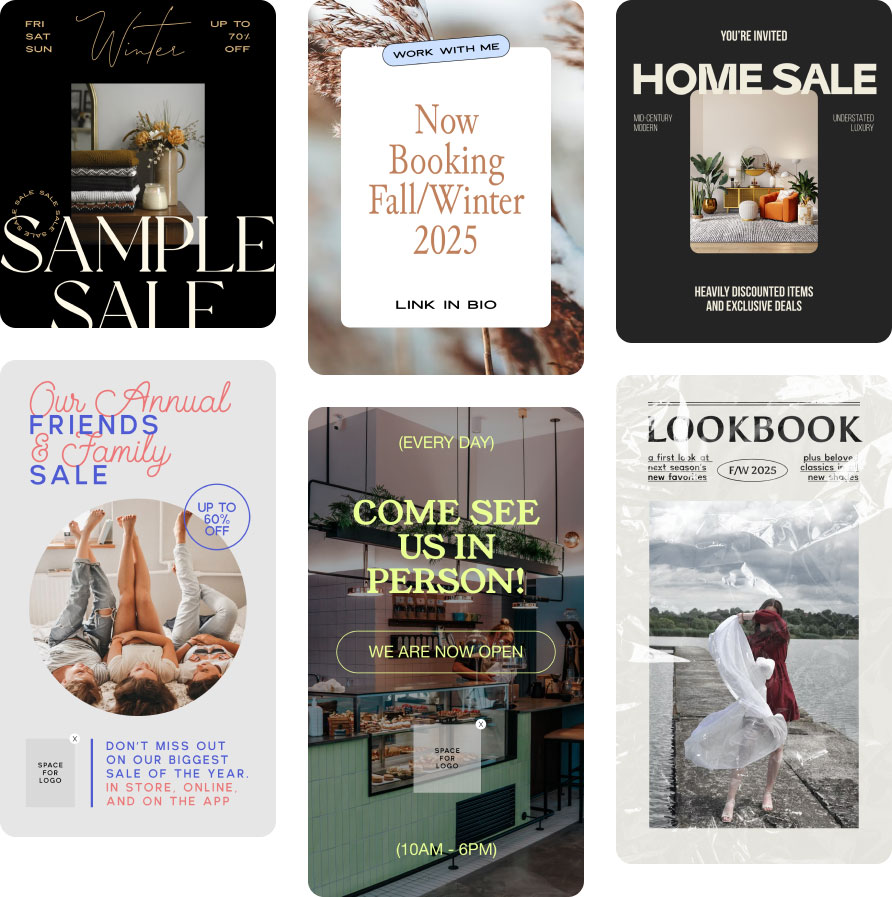
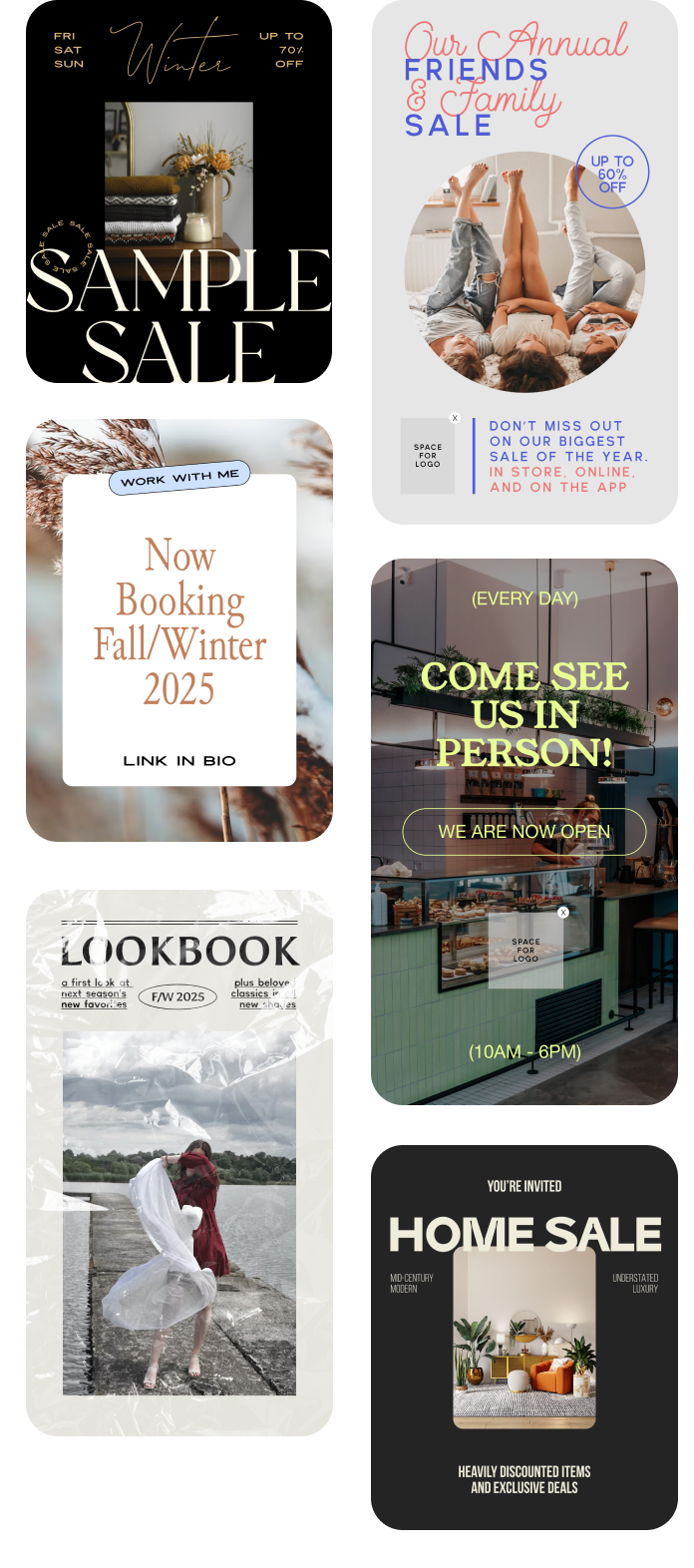
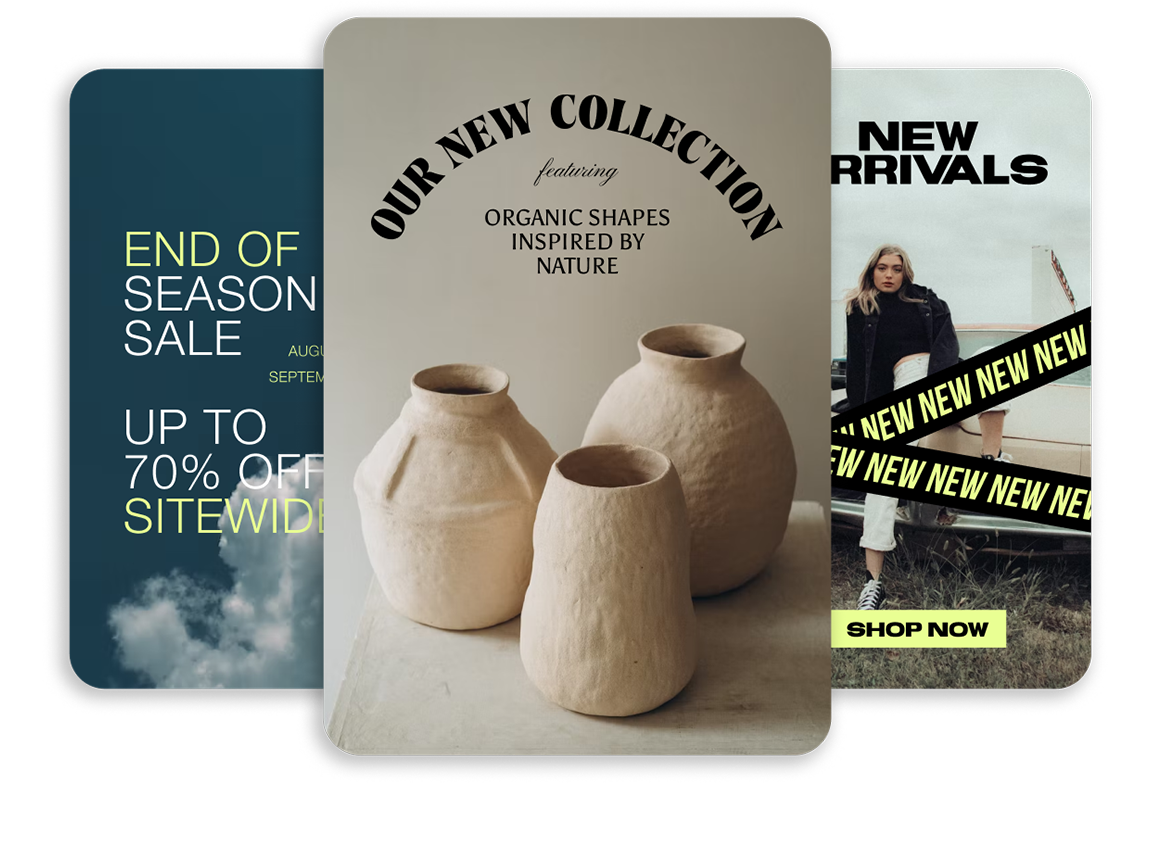
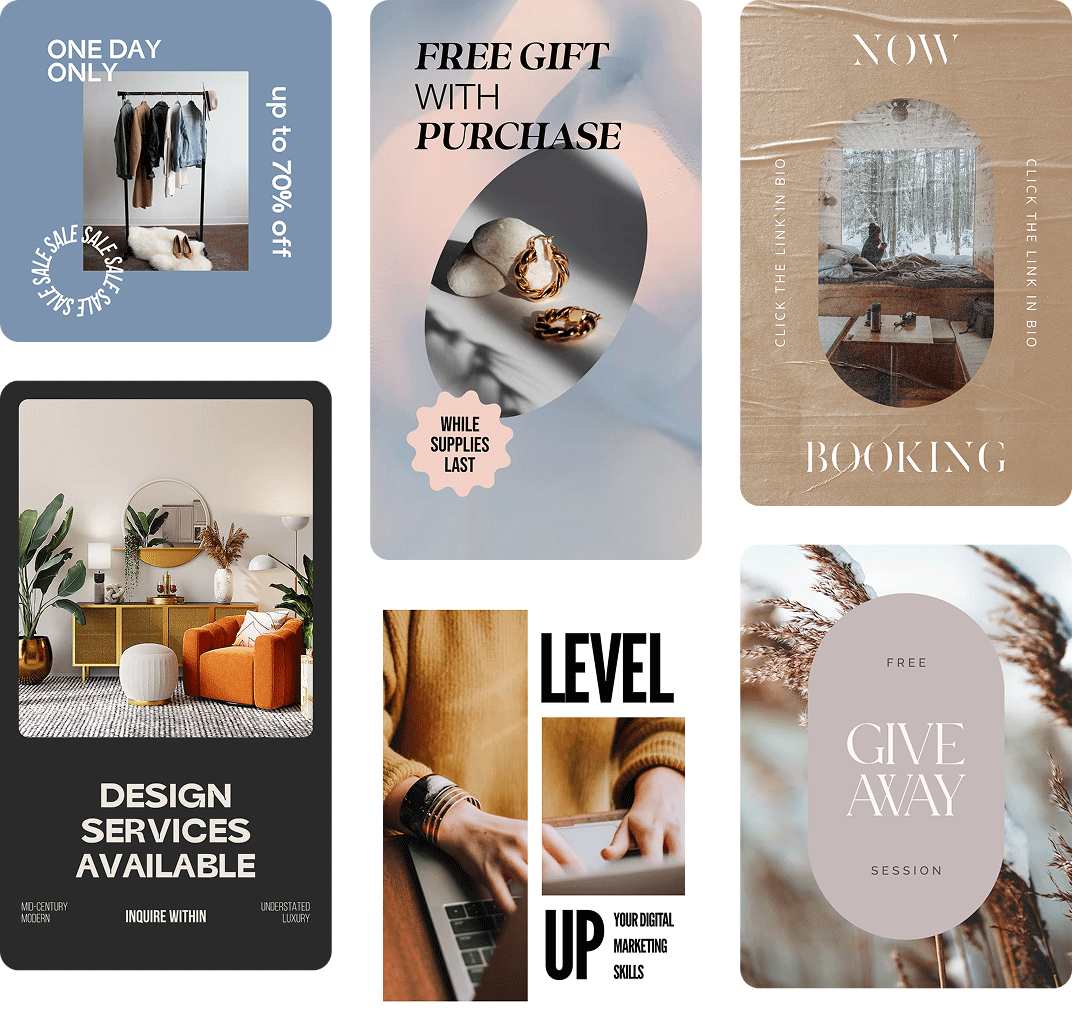
Browse flyer designs made with Word Swag and get inspired. Every style you see here was created right in the app.