YouTube Channel Art Sizes and Best Practices for 2026
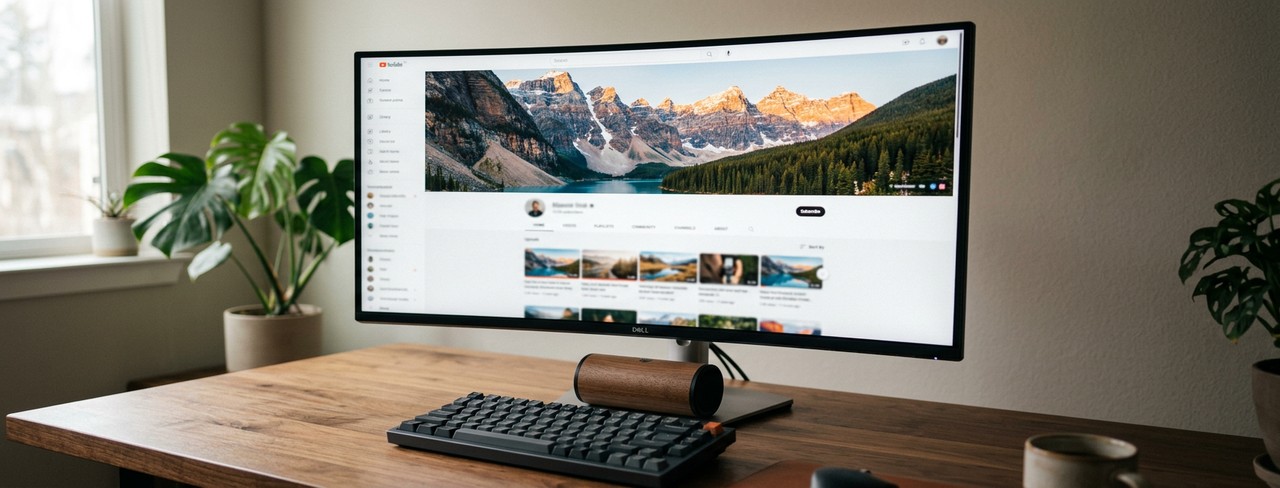
YouTube channel art (the banner that sits at the top of your channel page) displays differently on every device. On a TV, you see the full 2560×1440 image. On a desktop, you see a cropped horizontal strip. On mobile, you see an even narrower strip. If you don’t design for all three, something important is going to get cut off.
Here are the exact dimensions and safe zones you need to know for 2026.
The Full Canvas
Upload size: 2560 × 1440 pixels
This is the maximum size YouTube displays, which is on TV screens. Your image file should be this size, even though most people will see a cropped version. File size must be under 6MB.
The Safe Zone (Critical)
Safe area: 1546 × 423 pixels, centered
This is the area guaranteed to be visible across all devices: TV, desktop, tablet, and phone. All your important text, logo, and visual elements must fit within this center rectangle. Everything outside it is bonus real estate that may or may not be visible depending on the viewer’s device.
Think of it as designing a billboard where you know the center will be seen by everyone, but the edges might be hidden behind trees for some viewers. Don’t put your website URL or channel name in the outer edges.
What Each Device Shows
Mobile: The narrowest crop, roughly the center 1546×423 pixels.
Desktop: A wider crop, approximately 2560×423 pixels. The full width is visible but the top and bottom are cropped heavily.
TV: The full 2560×1440 image. TV recently became the most popular way to watch YouTube, so make sure this one works.
What to Put on Your Channel Art
Keep it simple. Your channel name (if it’s not already obvious from your profile), a short tagline or value proposition, and your upload schedule if you have one. We recommend keeping it simple.
Some creators include their posting schedule: “New videos every Tuesday and Friday.” This sets expectations and can nudge visitors toward subscribing. Place this within the safe zone.
Others use the channel art to highlight a current series, promotion, or product. This works well if you update it regularly. A channel banner still promoting a “Summer 2024” series in March 2026 looks abandoned.
Design Tips
Use bold, readable text. The banner displays at a relatively small size on most screens. Thin or decorative fonts won’t be legible. Stick with bold sans-serifs or large display fonts.
High contrast is essential. Text should stand out clearly against the background. If your background image is busy, add a dark or colored overlay to create separation.
Preview across devices. YouTube’s banner preview tool shows how your art will look on TV, desktop, and mobile during the upload process. Always check all three before saving.
Quick Reference
Upload size: 2560×1440 pixels. Safe zone: 1546×423 pixels (centered). Max file: 6MB. Format: JPEG or PNG. Design all important elements within the safe zone, extend background imagery to fill the full canvas.
Download Word Swag free and design your channel art.